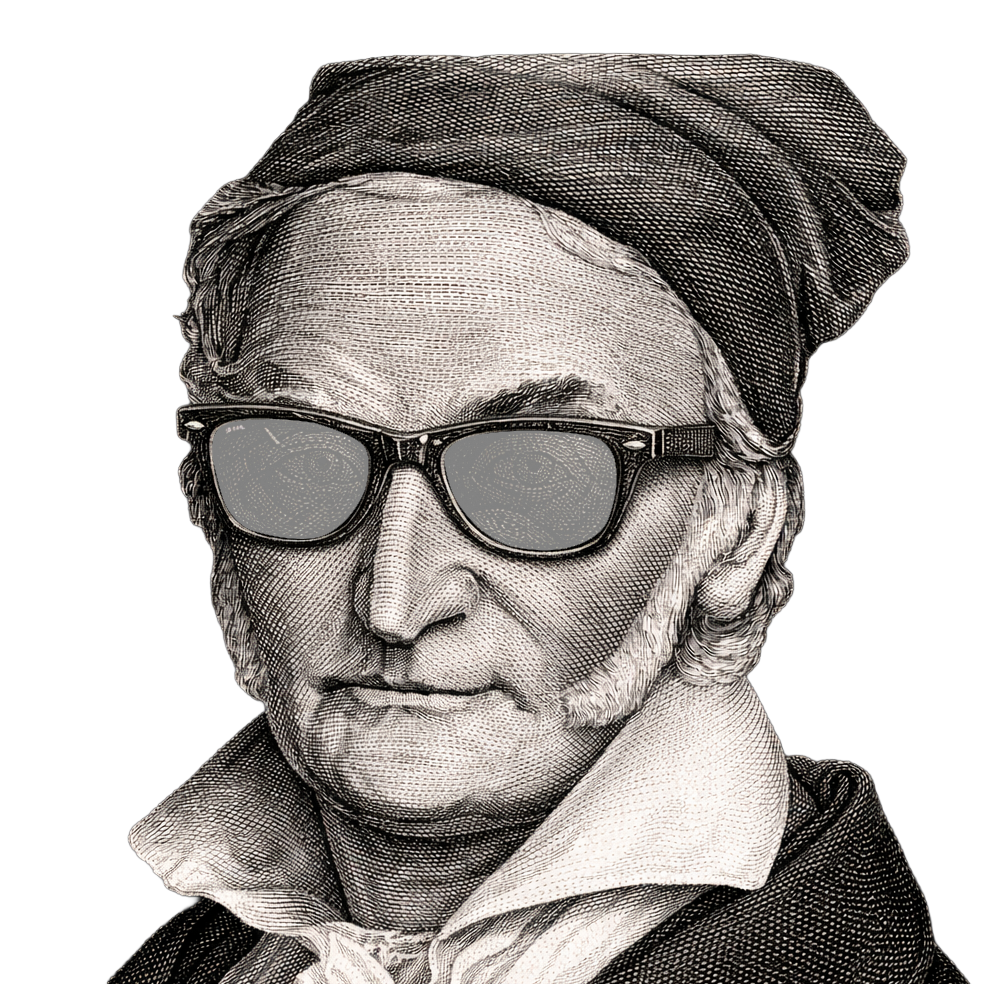
CARL FRIEDRICH SPLAT
·
●
File
Open Project
Ctrl+O
Save Project
Ctrl+S
Save Project As…
Ctrl+Shift+S
Render Sequence
Ctrl+R
Quit to Main Screen
Edit
Undo
Ctrl+Z
Redo
Ctrl+Y
Select All Clips
Ctrl+A
Duplicate Clips
Ctrl+D
Delete Clips
Del
Preferences…
Ctrl+,
View
Reset View
F
Distraction-Free
Tab
Zoom In Timeline
Ctrl++
Zoom Out Timeline
Ctrl+-
Reset Timeline Zoom
Ctrl+0
Command Palette
Ctrl+K
Timeline
Play / Pause
Space
Jump to Start
Home
Jump to End
End
Previous Frame
←
Next Frame
→
Commit Dirty Keyframes
F9
Panels
Project
Settings
Viewer
Post FX
Face
Cleanup
Help
About
Changelog
Keyboard Shortcuts
?
Search Commands
/
CARL FRIEDRICH SPLAT
4DGS TOOLKIT BY NEOANALOG
LOAD FILES
LOAD PROJECT
Loading splat...
Settings
SPLAT SCALE
1.00
FOV
65
OPACITY
1.00
NEAR CLIP
0.10
POINT CLOUD
BACKGROUND
RESET VIEW
SET DEFAULT
Viewer
LIVE
FOCAL ADJUST
1.00
CONSTRUCTION
RENDER MODE
3D
2D
SH DEGREE
0
1
2
GPU SORT
SIMD SORT
HALF PREC COV
KERNEL 2D SIZE
0.30
MAX SPLAT SIZE
1024
Settings changed
APPLY & REBUILD
Post FX
BRIGHTNESS
1.00
CONTRAST
1.00
SATURATION
1.00
HUE SHIFT
0
BLOOM
0.00
VIGNETTE
0.00
LUT
NONE
CINEMATIC WARM
CINEMATIC COOL
VINTAGE FILM
BLEACH BYPASS
CYBERPUNK
LOAD .CUBE FILE...
LUT INTENSITY
1.00
Face
FACE TRACKING
MODE
OFF
TINT BY FACE
SOLO FACE
DIM OTHERS
HIDE FACE
DIM AMOUNT
0.20
DETECTION
No face detected on this frame yet.
DETECT CURRENT
DETECT ALL
CLEAR MASKS
3D DEBUG OVERLAY
LAST SNAPSHOT
What MediaPipe sees. If the face isn't clearly visible (too dark / too small / wrong angle), frame it better and press DETECT CURRENT again.
Cleanup
ENABLE
PER-FRAME
OPACITY CEIL
0
SIZE CULL
0.00
DISTANCE CULL
OFF
ISOLATION
OFF
MIN NEIGHBORS
3
OPACITY BOOST
0
DARKNESS CULL
0
MIN SPLAT SIZE
OFF
TEMPORAL
SMOOTH
0.00
GHOST FRAMES
0
GHOST OPACITY
0.50
SPATIAL TRACKING
MATCH RADIUS
0.010
MIN LIFETIME
1
WINDOW
2
GAP FILL
PERSIST (IDB)
CLEAN SEQUENCE
0 / 0
CANCEL
CLEAR CACHED CLEANUP
Project
TITLE
UNSAVED
LOCATE PLY FOLDER…
I
O
1 / 1
-
1x
+
FPS
6
12
24
48
DROP TO LOAD
CARL FRIEDRICH SPLAT
4DGS TOOLKIT BY NEOANALOG
—
Made with love in Cologne
neoanalog.io
×
Changelog
Esc to dismiss
‹ Newer
—
Older ›
Keyboard shortcuts
Esc to dismiss
Preferences
Esc to dismiss
Show performance HUD
Splat count, cache size, rendered frames, FPS pill (top-center).
Confirm before deleting clips
Show a confirmation prompt on Del / context-menu delete.
Reduce motion
Disable panel fades, indicator pulses, and other non-essential animations.
Default playback FPS
Applied to new sessions. Project files override this value.
12 fps
24 fps
25 fps
30 fps
48 fps
60 fps
UI scale
Scales the toolbars, panels, timeline, and HUD. Does not affect the 3D viewport.
85%
95%
100%
110%
125%
150%
Reset to defaults
Close
Enter to jump